Many companies use Microsoft 365 for email, files and collaboration. This is precisely why hackers target these accounts. One particularly dangerous method is to use a hacked account to deceive other people.
1. how the attack begins
It almost always starts with a fake e-mail.
Typical examples:
- «You have a new voice message»
- «A document has been released for you»
- «Your password is about to expire»
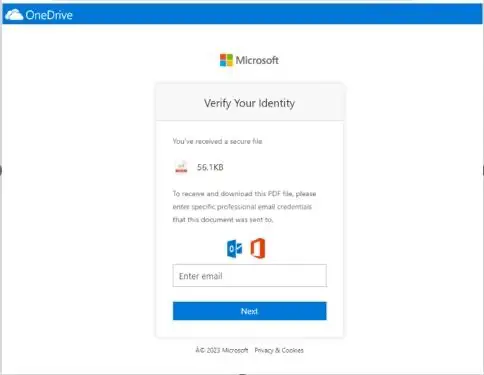
The e-mail contains a link. This supposedly leads to:
- a file on OneDrive or SharePoint
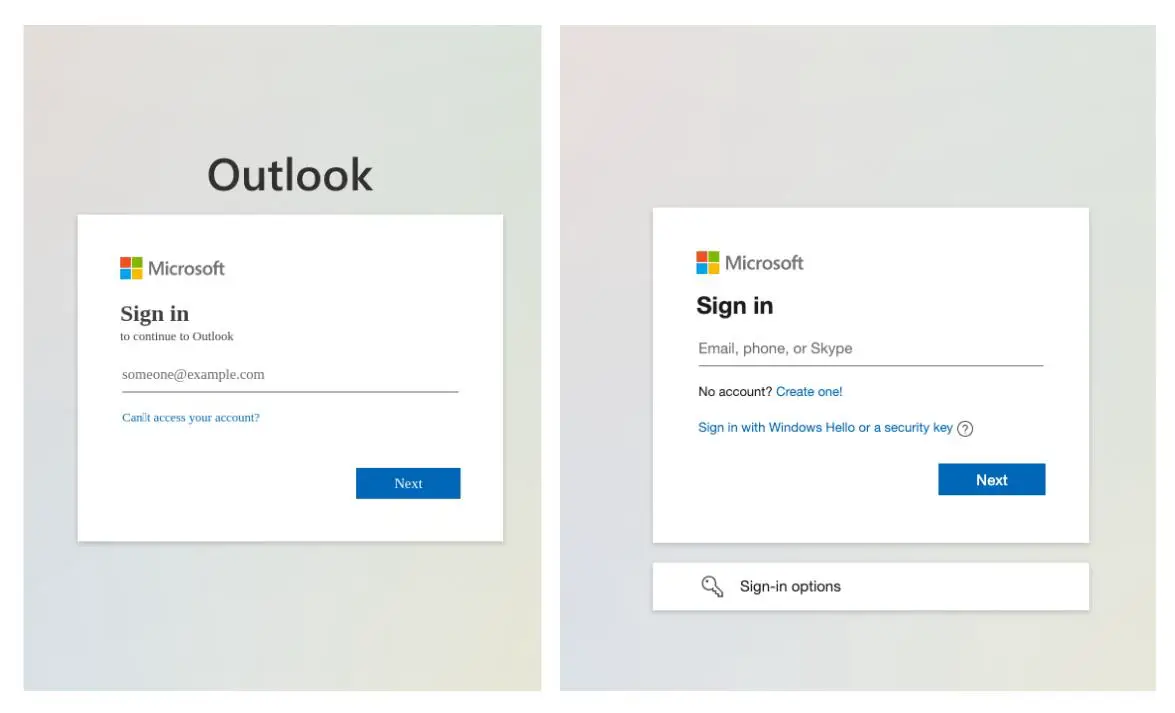
- or to a login page
Problem:
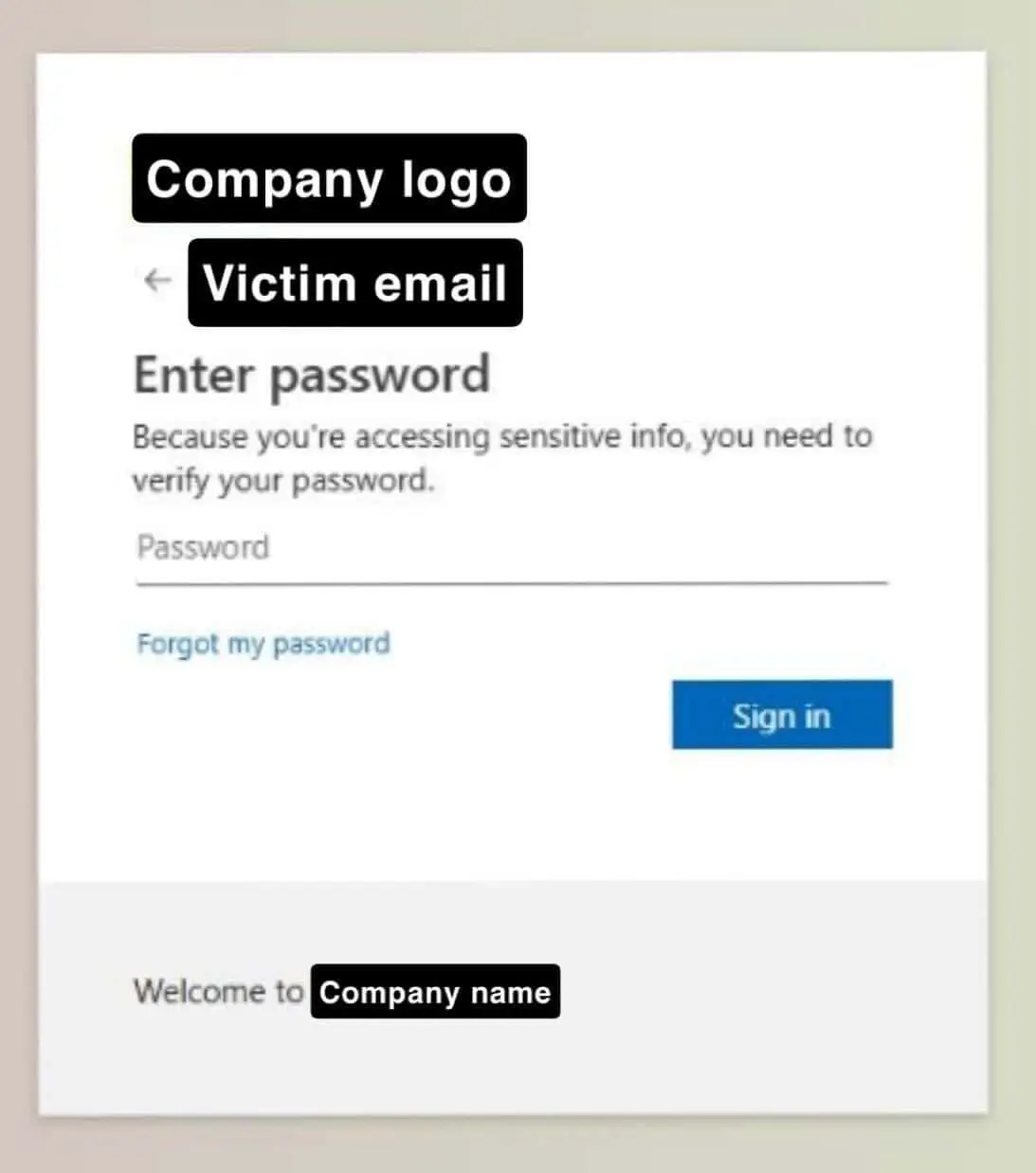
The page often looks deceptively real like a normal Microsoft login.
Sometimes it is even a real Microsoft page that is misused.
If you enter your access data there (e-mail + password), these are passed on to the attackers.
2. what happens after login
As soon as hackers have access to an account, they immediately continue to use it.
You can then:
- Sending emails on behalf of the person
- Access contacts
- Read and reply to existing e-mail conversations
The dangerous thing:
The emails now come from a real, known sender.
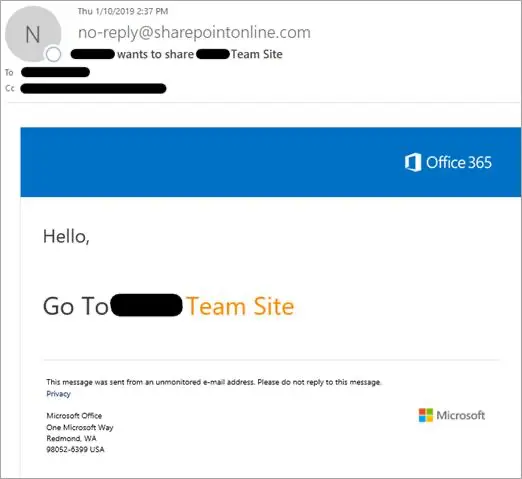
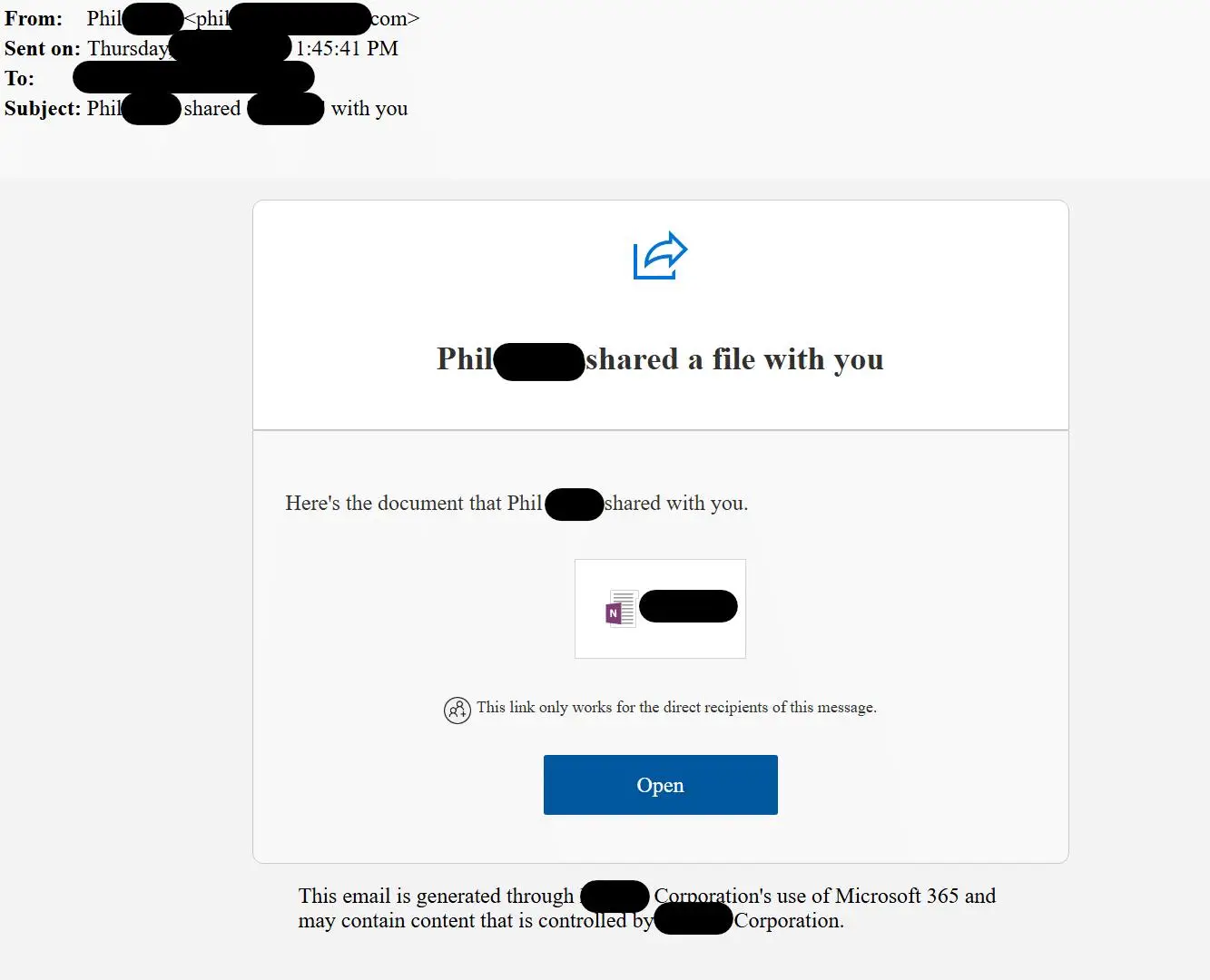
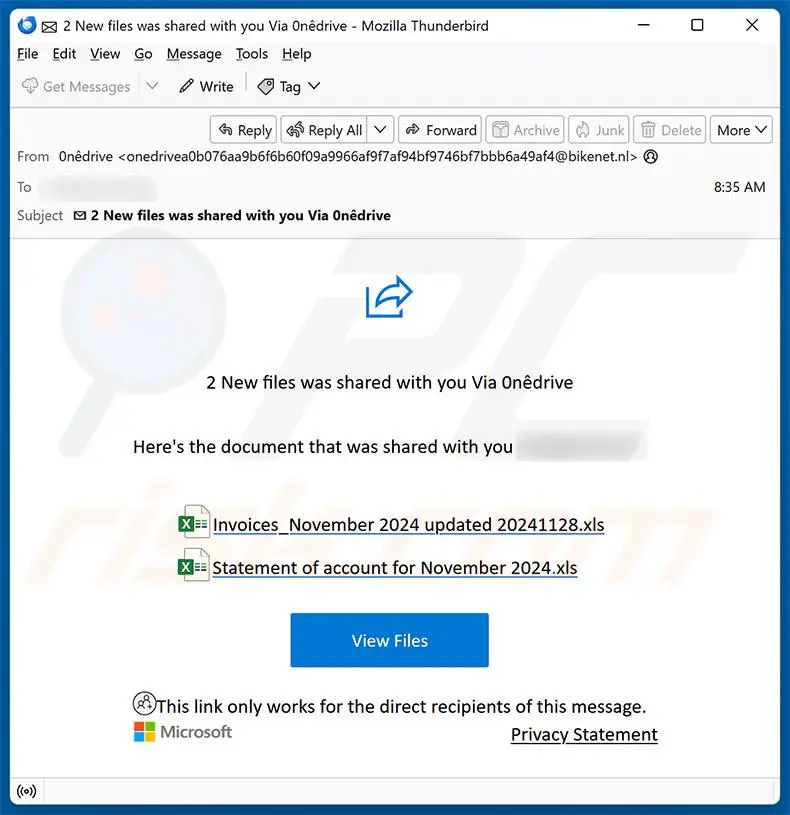
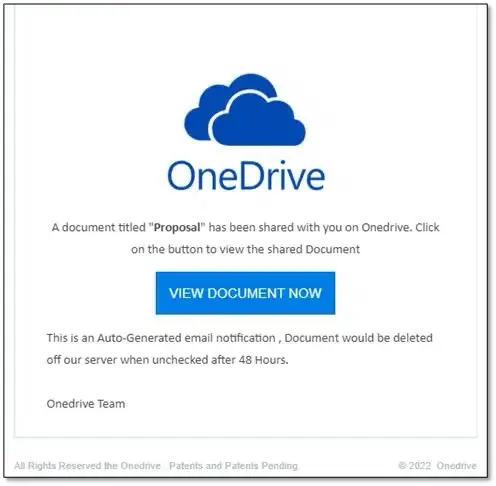
Typical features:
- «Document has been shared with you»
- Button such as «Open» or «View document»
- Often no personal contact
Important:
The links often lead to genuine Microsoft services, which makes detection more difficult.
3. how the attack continues to spread
Now the real danger begins.
The hacked account sends new emails, e.g:
- with a OneNote document
- with a SharePoint link
- with a OneDrive file
Recipients think:
«This comes from a known person - that's for sure.»
You click on the link and should log in again.
If they do:
- their access data is also stolen
- your account is also hacked
Then everything repeats itself.
So the attack spreads further and further - like a chain reaction.

4. why this fraud is so difficult to recognise
In the past, phishing emails were often easy to recognise. Today it's different.
These attacks are difficult because:
- The sender is genuine
- The e-mail really comes from the account of a colleague or partner.
- The links look real
The files are often located on real Microsoft services such as:
- OneDrive
- SharePoint
Everything looks «normal»
- well-known names
- Known topics
- Real mail histories
That means:
You can no longer rely on the fact that «funny looking = dangerous».
5. how you can still recognise the attack
There are some warning signs:
Unexpected news
- You suddenly receive a file that you were not expecting
- especially with print: «Please open immediately»
Re-registration
- You should log in even though you are already logged in
!!! This is a strong warning signal !!!
Unusual behaviour
- Colleague sends something without explanation
- Message does not match the previous conversation
Slight inconsistencies
- strange formulations
- very generalised texts
6. modern tricks of the attackers
New attacks even work without password theft.
Example:
- You receive a code and are asked to enter it on a real Microsoft page
- This gives you indirect access to your account
This looks particularly trustworthy, but is also an attack.
7 How to protect yourself
For users:
Do not use links from emails to log in
- rather open the well-known Microsoft page yourself
For unexpected files:
- Ask the sender directly («Did you really send this to me?»)
Be suspicious of:
- Pressure («urgent», «immediate»)
- Login prompts
For companies:
Additional security queries when logging in (e.g. app confirmation)
Monitoring of unusual activities:
- Many mails sent
- Logins from other countries
Important:
Technology helps - but user attention is crucial.
These attacks are so successful because they exploit trust:
- Real accounts
- real services
- Real contacts
This makes them appear completely normal.
The most important rule is therefore:
Remain critical even with known senders.
A brief moment of doubt can prevent that:
- your own account is hacked
- and the attack spreads further
Your partner for e-mail and security - Flying Supporter
Do you have any questions?
We will be happy to help you.

 Deutsch
  English (UK)
  Français
  Italiano